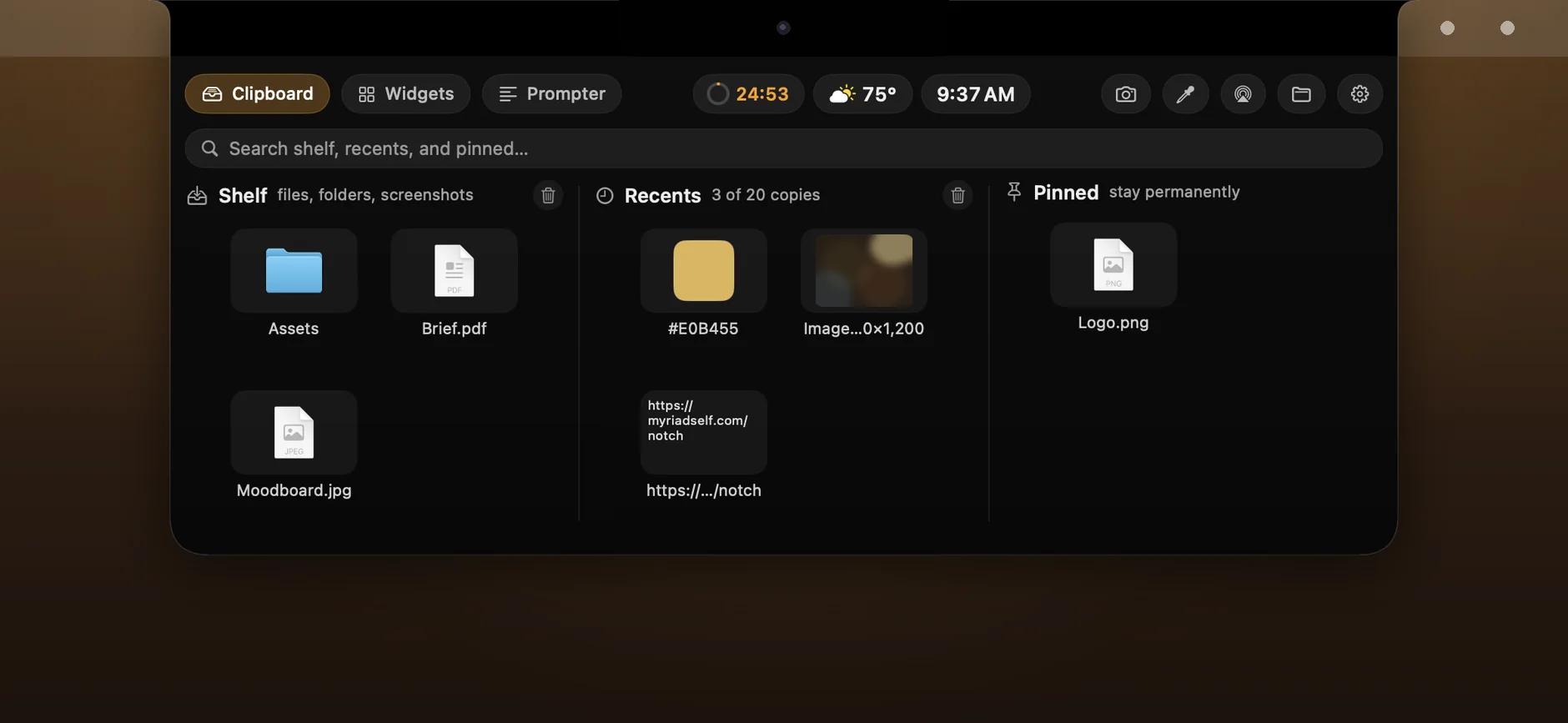
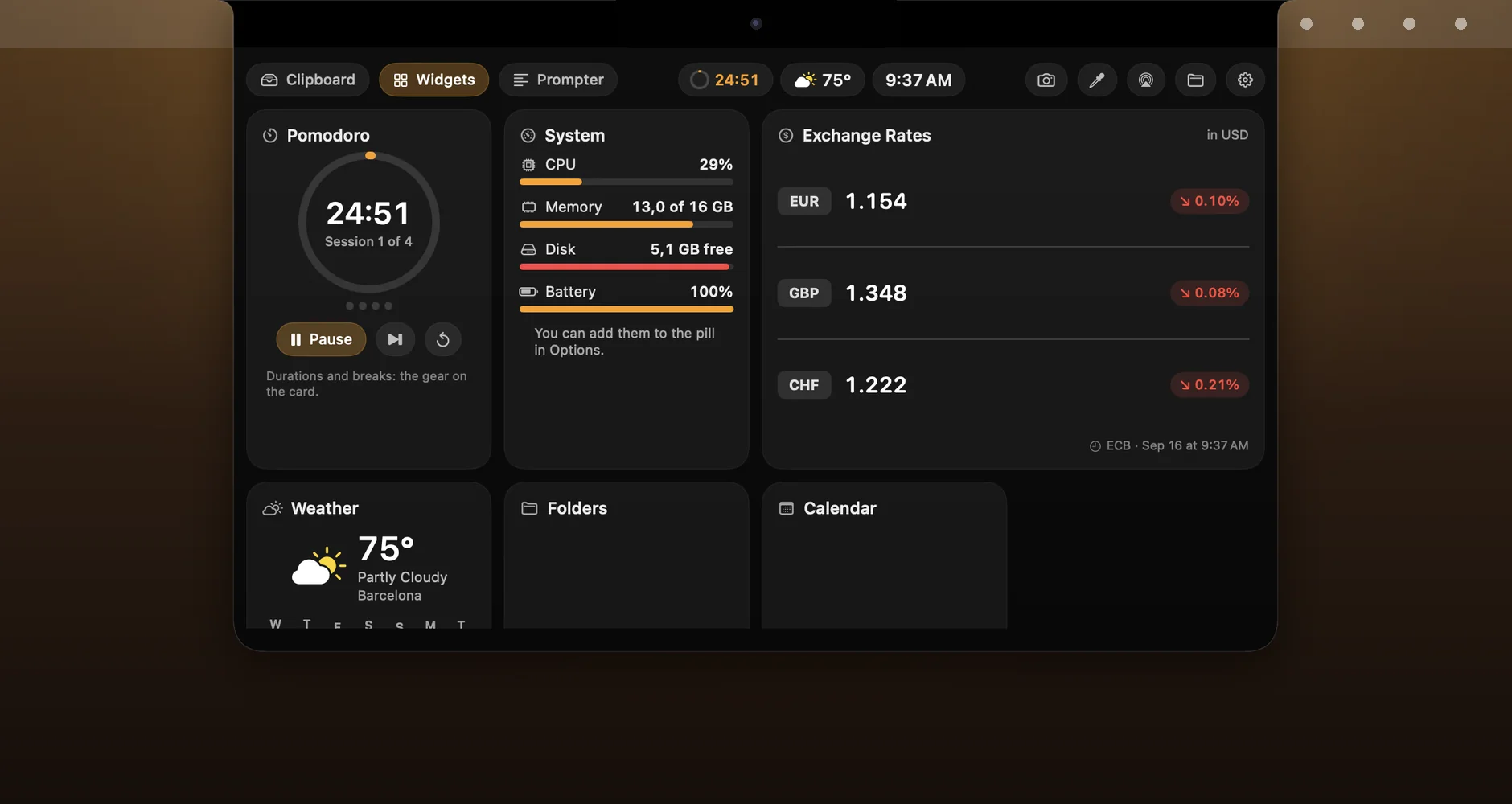
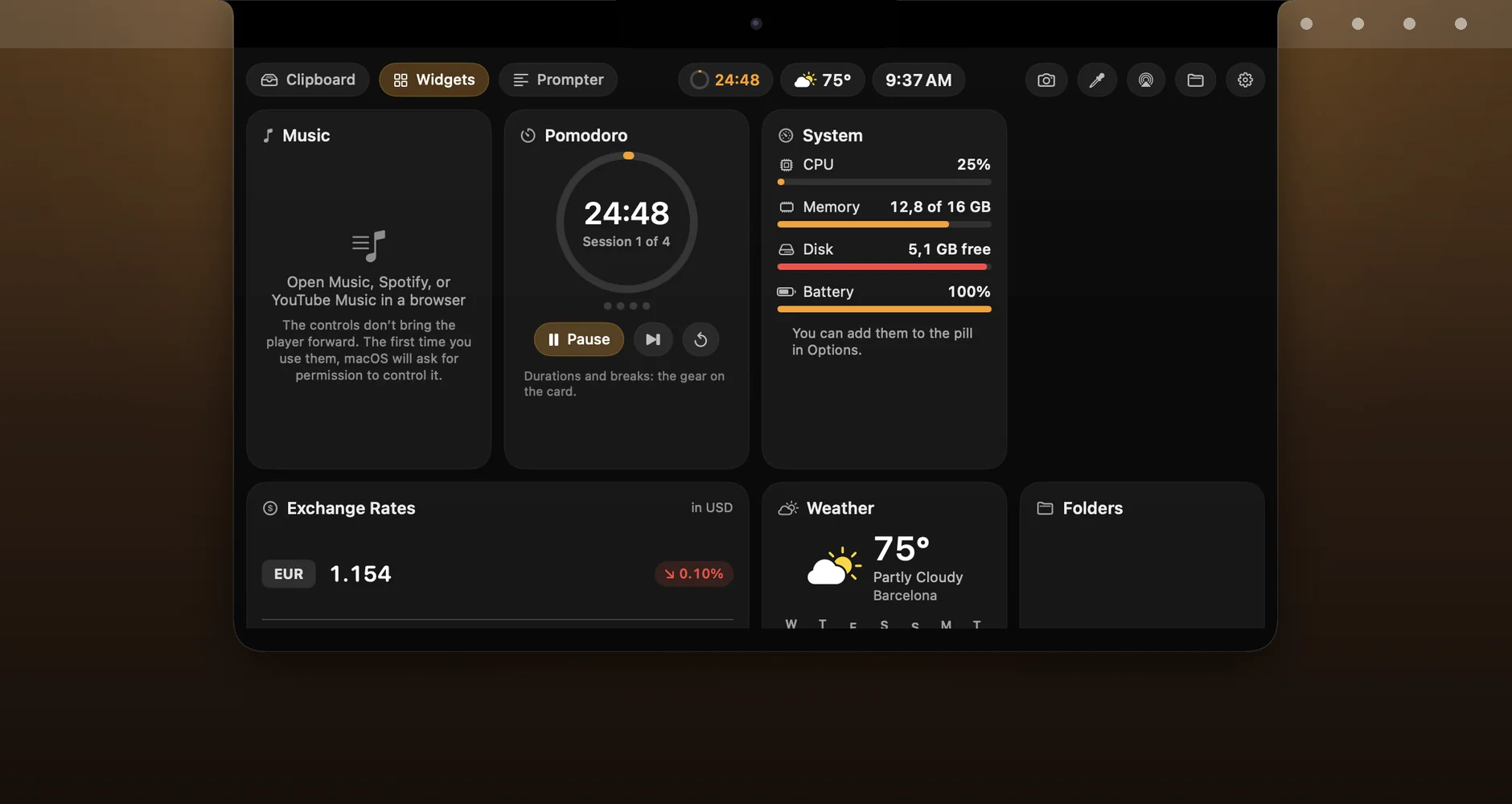
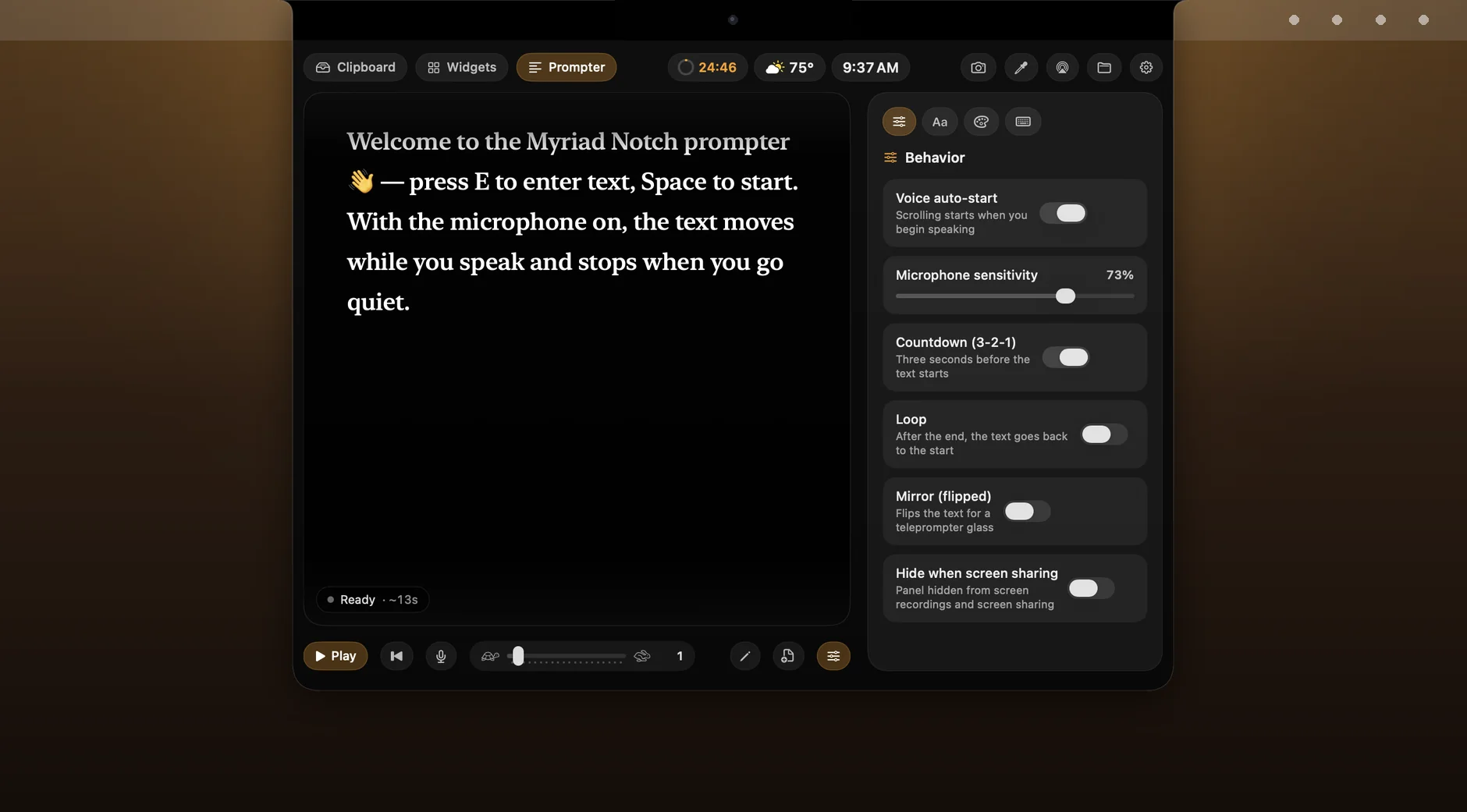
Myriad Notch is a shelf under the notch of your Mac. Move the pointer onto the notch and a glass panel slides out from under it: the files you are about to need, your recent copies, the things you keep pinned, and your widgets. Move away and it folds back. On a Mac without a notch, a black pill the size of a notch sits in the same spot and does the same job.
On the Mac App Store · free for 7 days
Requires macOS 14 or later · works on Macs with and without a notch
Files wait on the shelf. Drag one out and a copy lands.

One rule throughout: dragging something out of the shelf copies it. The original stays where it was.
It stays on the shelf until you take it off. Drag it out into Finder, Mail or Slack and a copy lands there.
Select an area and the shot goes to the shelf and to the clipboard.
AirDrop straight from the shelf, PNG to JPEG and back, copy path, show in Finder, and an eyedropper that puts a colour from the screen into your clipboard.
Text, images, files. Keep the last 5 to 50 copies, your call. Click to copy it again, drag to drop it anywhere.
The paragraph from the contract, the logo, the link you send five times a day.
What a password manager marks as concealed is skipped, not kept.
Weather, music, pomodoro and your next meeting, either side of the notch.

The collapsed pill has room for six mini widgets, either side of the notch.
And a world clock for the cities you pick.
Artwork, title and level bars while Music, Spotify or YouTube Music in your browser is playing, with play, pause and skip without bringing the player forward.
A pomodoro countdown, your next meeting with a join button, your next three reminders.
Live, and exchange rates from the European Central Bank.
Three folders and Finder within reach, a line of text of your own.
A short animation when you plug in the charger or a drive.
Forecast, reminders, calendar, folders and rates. Cards you arrange yourself.

The Widgets tab holds cards you arrange yourself: weather with a 7-day forecast, music with controls, pomodoro with short and long breaks, reminders you can tick off, snooze or add to, calendar, folders, world clock, exchange rates, system load, and a mirror, which is a camera preview before a call.
Music, Spotify or YouTube Music in a browser tab. Play, pause, skip.

Stop, and it waits. Loudness only: nothing recorded, nothing recognised.

The text scrolls while you speak and stops when you go quiet. It measures loudness only: nothing is recorded, nothing is recognised.
There is a 3-2-1 countdown, loop, a mirrored mode for beam-splitter glass, keys you can remap, your own type and colours, and one switch that hides the panel from screen recordings and screen sharing.
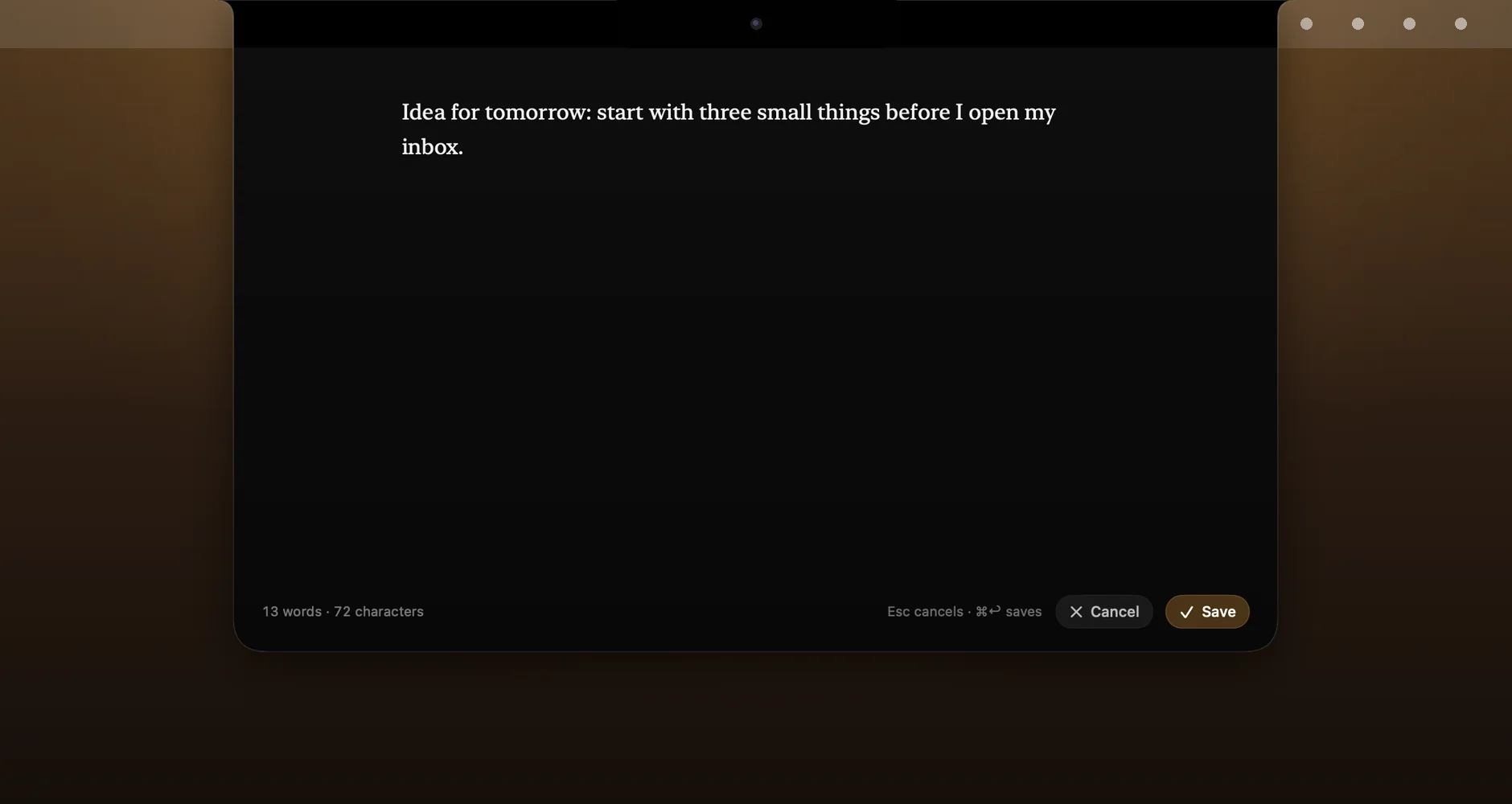
Drop a .docx, .txt or .md file on the panel and it is in the editor.
One column, a word count, two shortcuts.

A distraction-free editor: one column of text in the middle, a word count, two shortcuts. Notes stay on your Mac.
A notch-sized pill at the top edge, auto-hide, accent colour, your keys.

Shortcuts for the panel, the screenshot, the pill, pomodoro and music, all remappable.
Never, in full-screen apps, or always; a hidden pill lets clicks through.
A menu bar icon, launch at login. Ten languages.
Weather comes from the name of your city, not from your location.
The full wording is in the Privacy Policy.
On first launch press Try 7 Days Free and the whole app is yours. After that the app locks until you buy the Full Version, a one-time in-app purchase; the App Store shows the price in your currency. No subscription, nothing to renew. One purchase covers every Mac signed in to your Apple Account; on a new Mac, press Restore Purchases.